
Play Now
Join a Game
Characters
Shop
Tools
Compendium
Community

Sign In

Play Now
Join a Game
Characters
Shop
Tools
Compendium
Community
Sign In

There is a search bar where you can search for any particular weapon or spell that you need if you have too much on the sheet to find it quickly.
The gear menu here will allow you to change your Critical Hit Threshold (default is 20, but if you get to crit on a 15+, here's where you change it!) or add a custom initiative bonus.
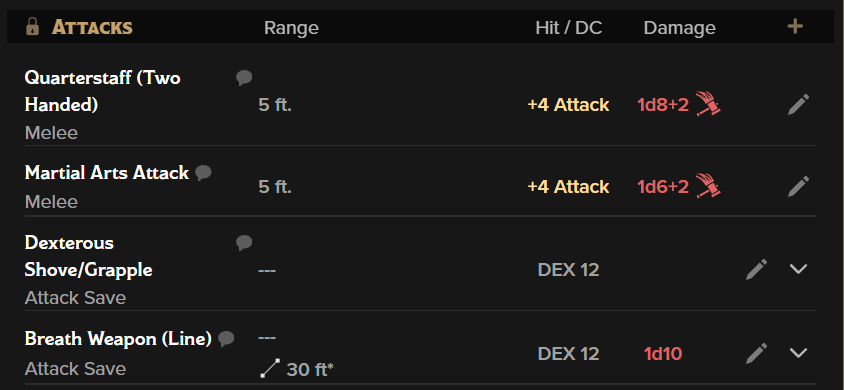
These are any spell or weapon attacks that use the attack modifier or a saving throw, no matter what kind of action economy they use. You'll see the name of the attack (usually the name of the weapon or spell), the range, the modifier you'd use to roll an attack or the DC of the save, and the damage if the attack hits.
If the attack has more information, such as many spells, there will be an expand/collapse caret that you can select to see more info.
You can click anywhere on the card to roll an attack, or click directly on the attack modifier. To roll damage, you can either click the "Damage" button on the attack in chat or click directly on the red damage roll on the sheet. If you don't like having to make this extra click, you can turn on "Always Roll Damage" in the Sheet Settings (see above).
As always, the pencil here will allow you to make in-line edits to your attacks.
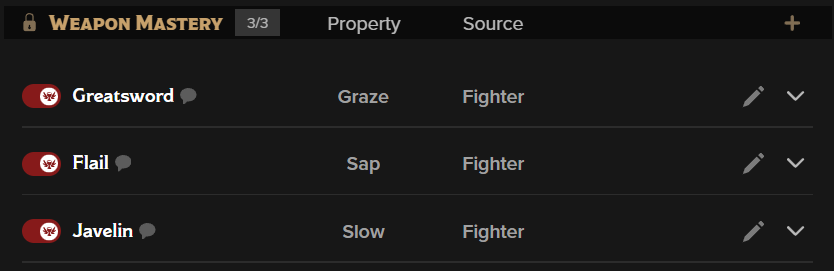
Weapon Mastery is a class feature that allows martial classes to have more choices for battlefield control. You have a maximum number of weapons you can have mastery over at once, but most classes will allow you to change which ones you can access either on a long rest or at level up. Here, you can use the builder to add your choices or drag-and-drop them from the Weapon Mastery category of the Compendium. If the mastery is active, when you use that type of weapon, the mastery text will be added to the attack/damage roll as a reminder.
Roll20 Note: You can drag-and-drop all the masteries for any weapons you might want to use and simply switch the toggles to indicate which are active, just like spells. If you drag-and-drop, drop the weapon option (example "Battleaxe Weapon Mastery"), not the mastery ("Cleave").
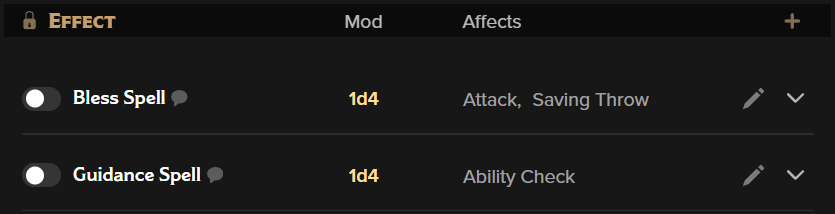
Effects are typically bonuses or other situational features that may be toggled on and off frequently, such as Sneak Attack or Bless.
You can simply toggle the effect on before you roll your check, and if the effect applies to that check, it will automatically add the bonus to the roll. This way, you won't accidentally roll your sneak attack 4d6 on a Nature check. Many short-duration spells, such as those that last about a minute, have these effects so you can turn them on and off easily when you cast them.
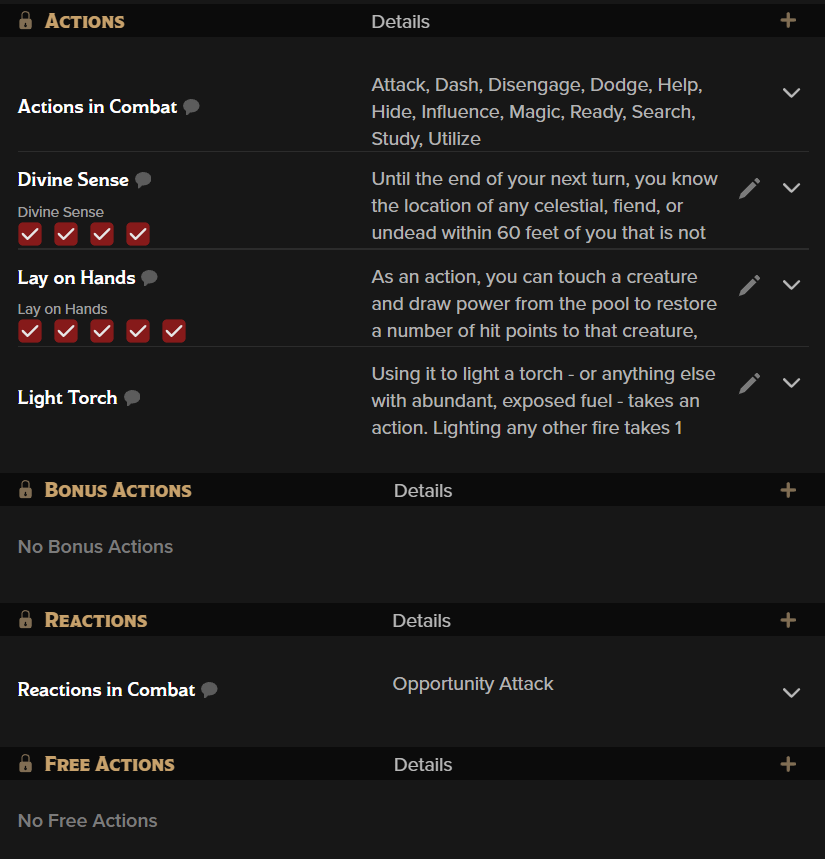 These sections are functionally identical. They separate all your options for combat-related features, items, and spells that aren't in the Attacks section by what kind of action they take to perform. Although Fifth Edition has no official "free action" terminology, there are several places where a feature will say "no action required". Those options are listed under "Free Actions".
You can also see in this example that there are several red checkmarks- these are resources! Each time you use your Divine Sense, for example, you can unclick one of those boxes. The boxes also appear on the Feature or Item the action comes from, and they can recover on a Short or Long Rest as appropriate. These resources can be shared by several different actions and will sync with each other if they are connected.
These sections can be empty if you have no options available for them, but the Actions in Combat and Reactions in Combat sections will always be there to remind you of the basic actions available to all characters like disengage, search, or opportunity attacks. If you don't like seeing them, you can hide them in the sheet settings.
Back to the main navigation!